Understanding and Utilizing QR Code Generators
Understanding and Utilizing QR Code Generators
In our increasingly digital world, QR codes have become ubiquitous. They offer a seamless way to connect the physical and digital realms, providing instant access to information, websites, and applications. Whether you're a business owner looking to enhance customer interactions or an individual exploring creative digital solutions, understanding how to use a QR code generator effectively can be a game-changer.
The Rise of QR Codes
Originally developed in the 1990s, QR codes—short for Quick Response codes—have experienced a resurgence, fueled by the rise of smartphones and the need for contactless interactions. These codes are now a staple in marketing, education, and personal use, offering versatility and ease of access.
How QR Codes Work
QR codes store information using a matrix of squares. When scanned with a mobile device’s camera, they can direct users to a website, display text, or even connect to a Wi-Fi network. The beauty of QR codes lies in their simplicity and the speed with which they can communicate information.
Benefits of Using QR Codes
QR codes offer numerous advantages. They are easy to create and can be customized with logos and colors to align with your brand. They save space, as a small code can hold a considerable amount of information. Additionally, they provide a bridge between offline and online content, enhancing user engagement.
Applications in Business
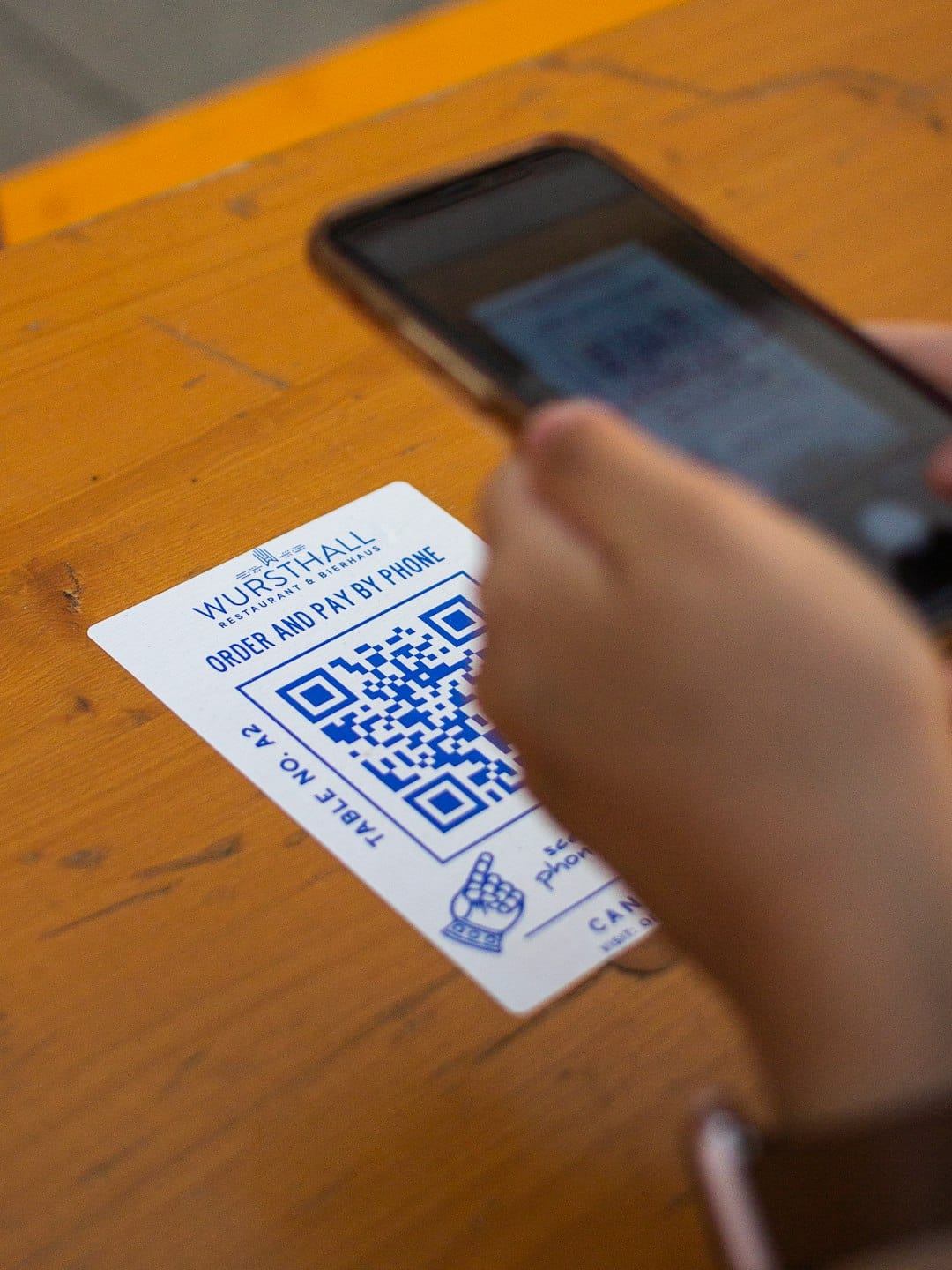
For businesses, QR codes are invaluable. They can link to promotional materials, product information, or customer feedback forms. Restaurants use them for menus, while retail stores employ them for contactless payments. By integrating QR codes into marketing strategies, businesses can improve customer experience and streamline operations.
Personal Uses and Innovations
On a personal level, QR codes can be used creatively for sharing contact details at networking events, embedding video content into printed materials, or even creating interactive educational experiences for children. The possibilities are vast, limited only by your imagination.
Creating QR Codes: A Step-by-Step Guide
Ready to create your own QR code? Here's a simple guide to get you started:
- Choose a QR Code Generator: Select a reliable QR code generator. There are many free options available online that offer various customization features.
- Determine the Purpose: Decide what content you want your QR code to link to, whether it's a website, a PDF, or contact details.
- Customize Your Code: Many generators allow you to customize the appearance of your QR code. Add colors, logos, or frames to make it unique.
- Test the QR Code: Before finalizing, scan the code with different devices to ensure it works properly.
- Print and Distribute: Once your QR code is ready, you can print it on business cards, brochures, or posters.
Ensuring QR Code Security
While QR codes are convenient, it's important to consider security. Ensure the information you link to is safe and that personal data is protected. Educate users on the potential risks of scanning codes from unknown sources.
Future Trends in QR Codes
As technology evolves, so too will the use of QR codes. Innovations such as dynamic QR codes—which can be updated with new information without changing the code itself—are becoming more prevalent. Expect to see QR codes integrated more deeply into augmented reality experiences and mobile payments in the future.
Conclusion
Embracing QR codes can significantly enhance both personal projects and business strategies. By leveraging an effective QR code generator, you can create engaging, interactive experiences that connect directly with your audience. As the digital landscape continues to evolve, staying informed about tools like QR codes will ensure you remain at the forefront of technology-driven communication.