Revamped QR Code Scanner Interface Reappears on Android
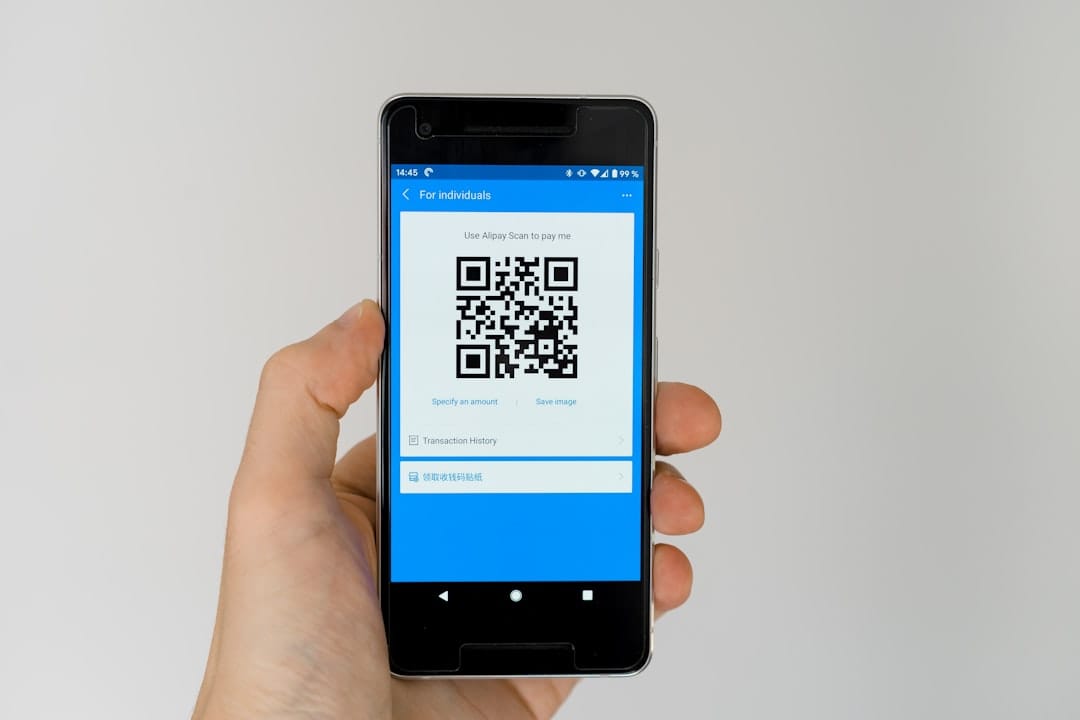
Revamped QR Code Scanner Interface Reappears on Android
Android users will be pleased to see the return of the updated QR code scanner interface. After a brief rollback, the redesigned version is gradually making its way back to devices, offering a more streamlined and intuitive user experience.
An Enhanced QR Code Scanning Experience
The upgraded QR code scanner, accessible via the Quick Settings toggle or directly from the lock screen, opens to a fullscreen camera viewfinder. Notably, the “Scan QR code” prompt is now minimized and positioned at the top of the screen. Upon launch, users are treated to a playful crosshairs animation, adding a touch of engagement to the scanning process.
Improved Usability with New Controls
Designed with one-handed use in mind, the new interface features a pill-shaped control panel at the bottom of the screen. This convenient placement allows users to easily toggle the camera flash, access the system file picker for previously taken images, and provide feedback. Such enhancements are aimed at making the scanning process as smooth and efficient as possible.
Effortless QR Code Actions
Upon scanning a QR code, it is displayed in the default style with a Material 3 design overlay. Users can then quickly choose from options in the bottom sheet to open the link, copy the text, or share the URL. These functionalities are designed to enhance productivity by providing quick access to the most common actions users take after scanning codes.
The Road to Rollout
The redesigned interface was first previewed in May and began rolling out to users in late July. However, Google decided to temporarily revert to the original version shortly after. Now, with the arrival of version 25.46.32 of Google Play services, the updated scanner is once again being distributed to a wider audience.
Why the Redesign Matters
QR codes have become ubiquitous, serving as gateways to digital content, promotions, and more. An efficient and user-friendly scanning tool is essential for maximizing their utility. The redesign aims to address user feedback and streamline the scanning experience, making it more intuitive and accessible for all users.
Looking Ahead
As the rollout continues, Android users can expect a consistent and improved experience across devices. The return of the redesigned QR code scanner underscores Google’s commitment to refining its features based on user needs and technological advancements.
If you’re looking to create your own QR codes, consider using a QR code generator to simplify the process and enhance your digital engagement strategies.
As technology continues to evolve, staying updated with the latest tools and features ensures you can make the most of what your device has to offer. The revamped QR code scanner is just one of the many ways Android is enhancing user interaction with the digital world.