Leveraging QR Codes to Enhance Customer Reviews on Google Business Profiles
Leveraging QR Codes to Enhance Customer Reviews on Google Business Profiles
In the digital age, gathering authentic customer reviews is crucial for businesses aiming to enhance their online presence. Google has recently streamlined this process by introducing a help page dedicated to using links or QR codes for requesting reviews on Business Profiles. This feature, initially rolled out several months ago, now comes with detailed guidance to maximize its effectiveness.
The New Help Page: A Step Forward
Google's new help page aims to make it simpler for businesses to encourage customers to leave reviews. By creating and sharing a link or QR code generator, businesses can prompt customers to share their genuine experiences. The help page suggests several practical ways to incorporate these links and QR codes into everyday business operations:
- Include them on customer receipts
- Add them to thank you emails
- Incorporate them at the end of chat interactions
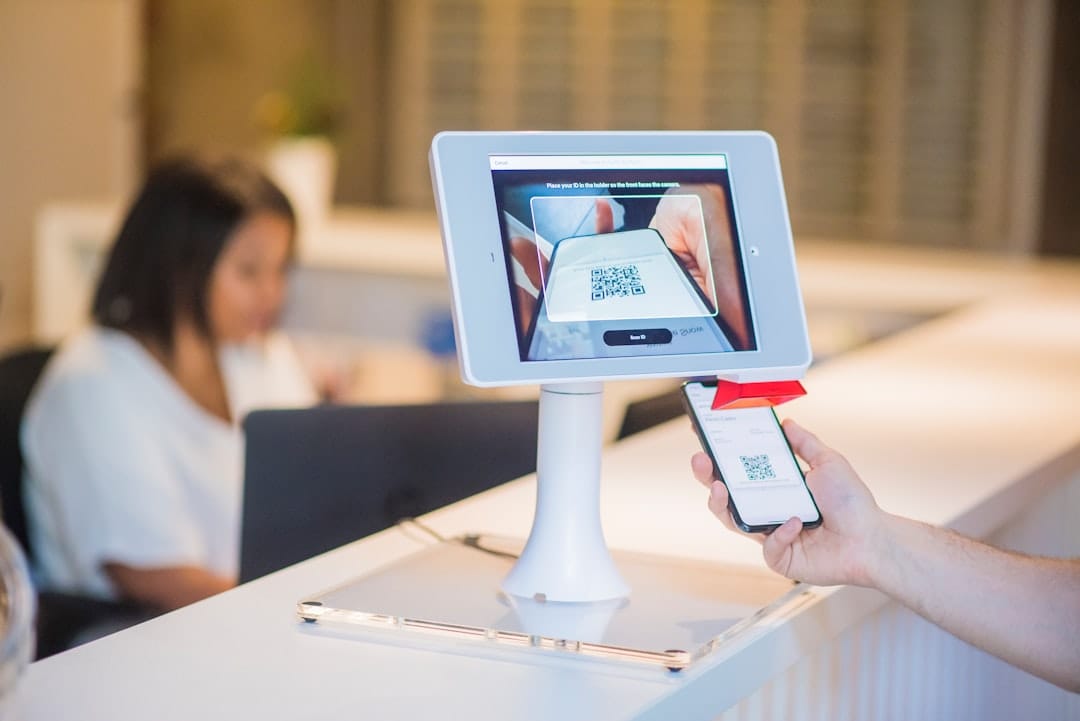
- Display the QR code prominently within the store
Ensuring Authenticity in Reviews
While Google's new tool simplifies the review process, businesses must ensure the authenticity of these reviews. Google explicitly prohibits offering incentives in exchange for reviews, as this constitutes fake engagement. Authentic user contributions are essential to maintain credibility and comply with Google's business profile policies.
Steps to Generate and Share QR Codes
For those looking to utilize this new feature, Google provides clear steps to generate and share a QR code or review link:
- Access the Google Business Profile interface.
- Select the option to read or get more reviews.
- Choose to share the link or QR code directly.
- To copy the review link, select the "Copy" option.
- To download the QR code, right-click on it and select "Save image as..."
Practical Benefits and Considerations
Integrating QR codes into your business strategy offers several benefits. It simplifies the review process, making it more accessible and user-friendly for customers. Moreover, it encourages customers to engage with your business online, potentially enhancing your visibility on Google Maps.
Considerations for Effective Implementation
While QR codes are an excellent tool, their success depends on strategic implementation. Consider the following tips:
- Ensure the QR code is easily scannable and prominently positioned.
- Educate staff on how to direct customers to use the QR code for reviews.
- Regularly monitor the feedback received to ensure it aligns with genuine customer experiences.
The Bigger Picture
This development by Google represents a broader shift towards integrating digital solutions into customer feedback mechanisms. As businesses increasingly rely on online reviews, tools like QR codes become invaluable. They not only facilitate the review process but also help businesses cultivate a more dynamic and interactive relationship with their customers.
In summary, leveraging QR codes for reviews is a strategic move for businesses looking to enhance their online profiles and gather authentic customer feedback. By following Google's guidelines and implementing these tools effectively, businesses can significantly boost their engagement and credibility in the digital sphere.