How to Scan QR Codes on Your MacBook
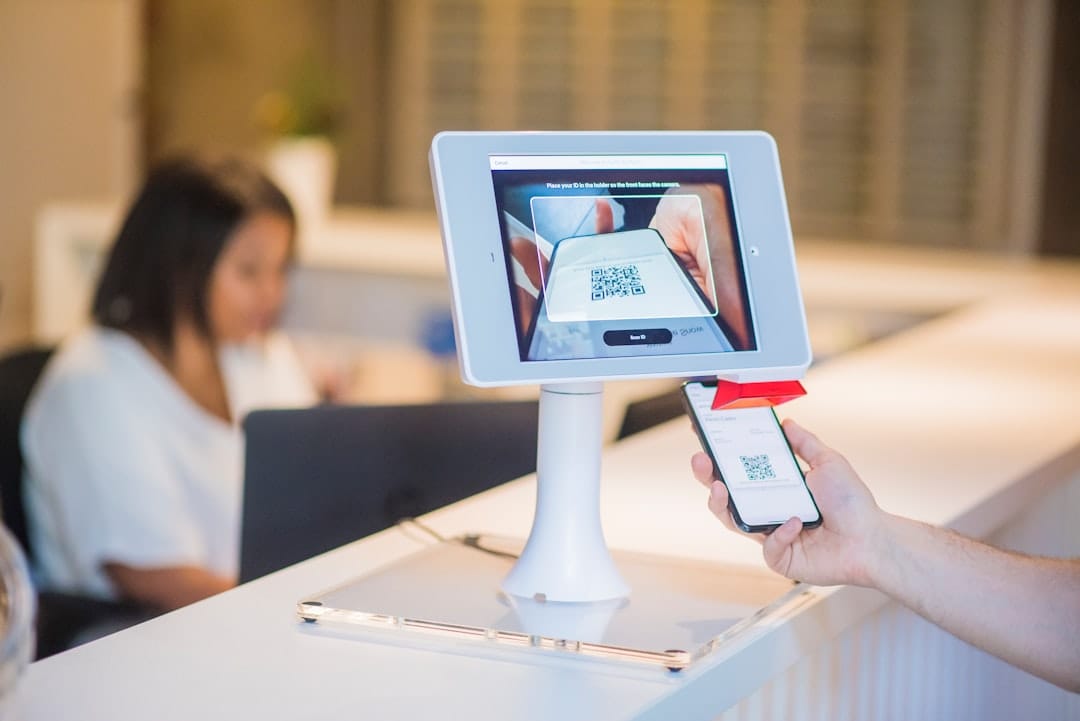
How to Scan QR Codes on Your MacBook
QR codes are a convenient way to quickly access web links without the hassle of manual typing. While most smartphones have built-in QR code scanning capabilities, MacBooks do not have this feature out of the box. However, there are ways to work around this limitation using apps and other devices to ensure you can easily scan QR codes on your MacBook. Here's how you can do it.
Use the QR Capture App
One effective method to scan QR codes on your MacBook is by using a third-party application called QR code generator. Although there are several QR code scanner apps available on the App Store, QR Capture stands out for its reliability. To get started, download and install QR Capture from the App Store.
Once installed, launch the app. You will see an interface resembling a phone screen. Simply drag this frame around the QR code you wish to scan and click the camera icon. The app will read the QR code and open the embedded link in your browser automatically. Additionally, it will display the link in a separate window for easy access.
Note that the first time you use QR Capture, it will require permission to capture your screen. Make sure to grant this permission through System Settings to enable seamless operation.
Use Your iPhone and Share the Link to Your Mac
If you encounter a physical QR code on a poster or printed document and want to use your MacBook to access it, your MacBook's camera won’t be much help. Instead, you can utilize your iPhone to scan the code and share the link with your Mac.
To do this, open the Camera app on your iPhone and aim it at the QR code. The iPhone's camera will recognize the QR code automatically and display a notification. Tap this notification to open the link embedded in the QR code on your iPhone.
To transfer the link to your Mac, you can use the Universal Clipboard feature. Copy the link on your iPhone, and it will become available to paste on your Mac. Alternatively, paste the link into an app like Notes or Messages, which will sync with your Mac, giving you immediate access to the link there.
Conclusion
Although MacBooks lack a built-in QR code scanner, the use of third-party apps like QR Capture and integration with your iPhone offers practical alternatives. These methods enable you to seamlessly scan and access QR code links on your MacBook, enhancing your productivity and connectivity. With the right tools and a little creativity, you can navigate around hardware limitations and make the most out of your devices.