Google Introduces QR Code Verification for Enhanced Messaging Security
Google Introduces QR Code Verification for Enhanced Messaging Security
Google is rolling out a new feature to reinforce the security of its messaging app. Aimed at enhancing user confidence in communications, this feature employs QR codes to verify the identity of contacts. Currently in beta, this development is poised to offer a more straightforward approach to verifying end-to-end encryption keys.
Moving Beyond Traditional Verification
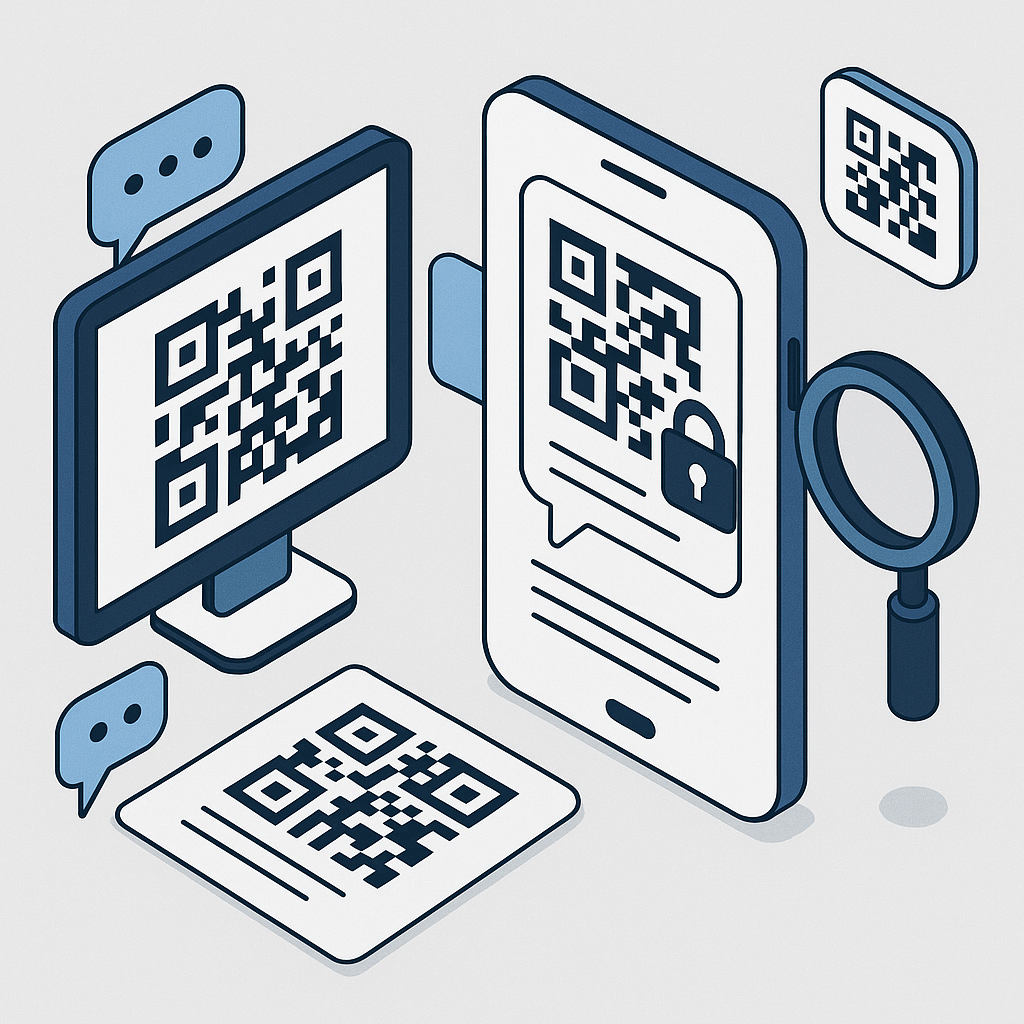
Traditionally, users have had to rely on comparing a lengthy 80-digit code to confirm the encryption of their messages. This cumbersome process is now being streamlined by Google's latest update. By simply accessing the contact's details in Google Messages, users can either display their own QR code or scan their contact's code to verify authenticity. This intuitive method is set to simplify the verification process significantly.
Ensuring Secure Communication
End-to-end encryption is designed to keep your messages secure, ensuring that only you and your contact can read the communications exchanged. Google's new QR code method still supports the traditional 80-digit code comparison as a fallback, ensuring that users have options in case of any issues with the QR code system.
Wider Application of QR Codes
This move towards QR codes isn't isolated to the messaging app alone. Google is extending the use of these codes beyond simple contact verification. For instance, plans are underway to transition SMS-based two-factor authentication in Gmail to QR code-based methods. This change signifies a broader shift in Google's approach to enhancing user security across its platforms.
Availability and Future Plans
The QR code verification feature is available on all devices running Android 9 and newer. This wider availability highlights Google's commitment to ensuring secure and user-friendly communication regardless of device type. As this feature continues to evolve, it is expected to become a standard for verifying contact authenticity within the Google ecosystem.
How to Use the QR Code Generator
If you're new to using QR codes and want to explore how they can be utilized for various purposes, including contact verification, a QR code generator can help you get started. These tools are designed to make the creation of QR codes quick and easy, offering users the flexibility to implement QR codes in multiple scenarios.
The Future of Secure Messaging
Google's introduction of QR code verification reflects a broader trend in the tech industry towards more secure and user-friendly communication solutions. As digital threats continue to evolve, the need for robust security measures becomes ever more critical. QR codes offer a quick and efficient way to verify identities, making them a valuable addition to Google's suite of security features.
As the feature rolls out to more users, feedback will likely inform further enhancements. This approach ensures that security measures evolve in tandem with emerging threats and user needs. For individuals who prioritize privacy, the integration of QR codes into messaging apps marks a significant step forward in safeguarding personal communications.
In conclusion, Google's foray into QR code verification is a welcome advancement in messaging security. By making it easier and more intuitive to verify contacts, users can enjoy a heightened sense of security without sacrificing convenience. As technology continues to advance, innovations like these pave the way for a more secure digital future.