Enhancing Security with Google Messages: QR Code Verification and Anti-Spam Features (Update)
Enhancing Security with Google Messages: QR Code Verification and Anti-Spam Features
Google has introduced new features to the Android Messages app, aiming to enhance security and privacy for its users. With these updates, Android users can now ensure their conversations remain private and secure while also combating unwanted spam messages.
Introducing Android Key Verifier
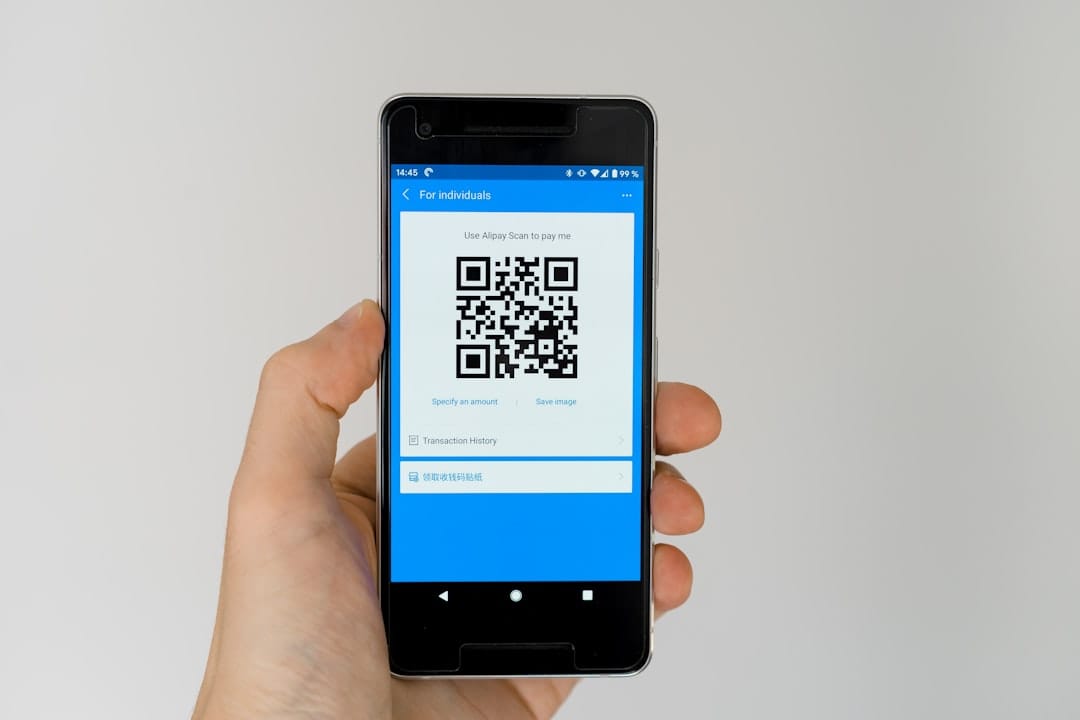
The first major addition is the Android Key Verifier, available for devices running Android version 10 and above. This tool allows users to verify their private conversations through QR codes, ensuring they are communicating with the intended person. To activate this feature, users must navigate to a conversation in Google Messages, tap on the contact's name at the top, and select "Verify keys." Once initiated, one user will generate a QR code on their device, while the other will scan it to complete the verification process.
This feature also integrates with the Google Contacts app under the "Connected apps" section, offering consistent verification across multiple platforms. Once verification is successful, the message "Keys verified" will appear. However, if there is any change in a contact’s device or security credentials, the app will alert users with a "Keys no longer verified" notification.
Why Verification Matters
Verification is crucial for maintaining the integrity of encrypted communications. Various factors, such as switching devices or SIM cards, could trigger key changes. Google's update aims to protect users from malicious activities like SIM swapping or man-in-the-middle attacks, which could compromise conversations.
Automatic Spam Protection
In addition to verification, Google Messages now includes a global anti-spam filter to protect users from potentially harmful texts. The feature automatically blocks suspicious messages containing links unless the user explicitly marks them as "not spam." This proactive approach helps prevent users from inadvertently visiting dangerous websites.
Despite the convenience, users are encouraged to remain vigilant and not overlook these warnings, as doing so could lead to exposure to malicious sites. Keeping the Android System Key Verifier, Google Messages, and Google Contacts apps up-to-date is recommended to ensure optimal protection.
The Role of QR Codes in Secure Communication
QR codes are becoming increasingly vital in secure digital transactions and communications. They offer a straightforward way to authenticate and verify identities without sharing sensitive data. By integrating a QR code generator into the Android Messages app, Google not only streamlines verification but also enhances the overall user experience in maintaining privacy.
Staying Ahead in Digital Security
As digital threats evolve, so must the tools designed to combat them. Google’s latest updates to Messages underscore the importance of adapting technology to meet these challenges head-on. By leveraging QR codes and advanced spam filters, users can enjoy a safer and more secure digital communication environment.
As these features roll out, Android users should explore their benefits and take advantage of the enhanced security measures now available. Embracing these updates can significantly reduce the risks associated with digital communications, providing peace of mind in an increasingly connected world.